
firebaseConfig block near the bottom,
and replace the placeholder values with your Firebase project credentials.
Ultimatum Game
Select your name and enter your password to continue.
Incorrect password — please try again.
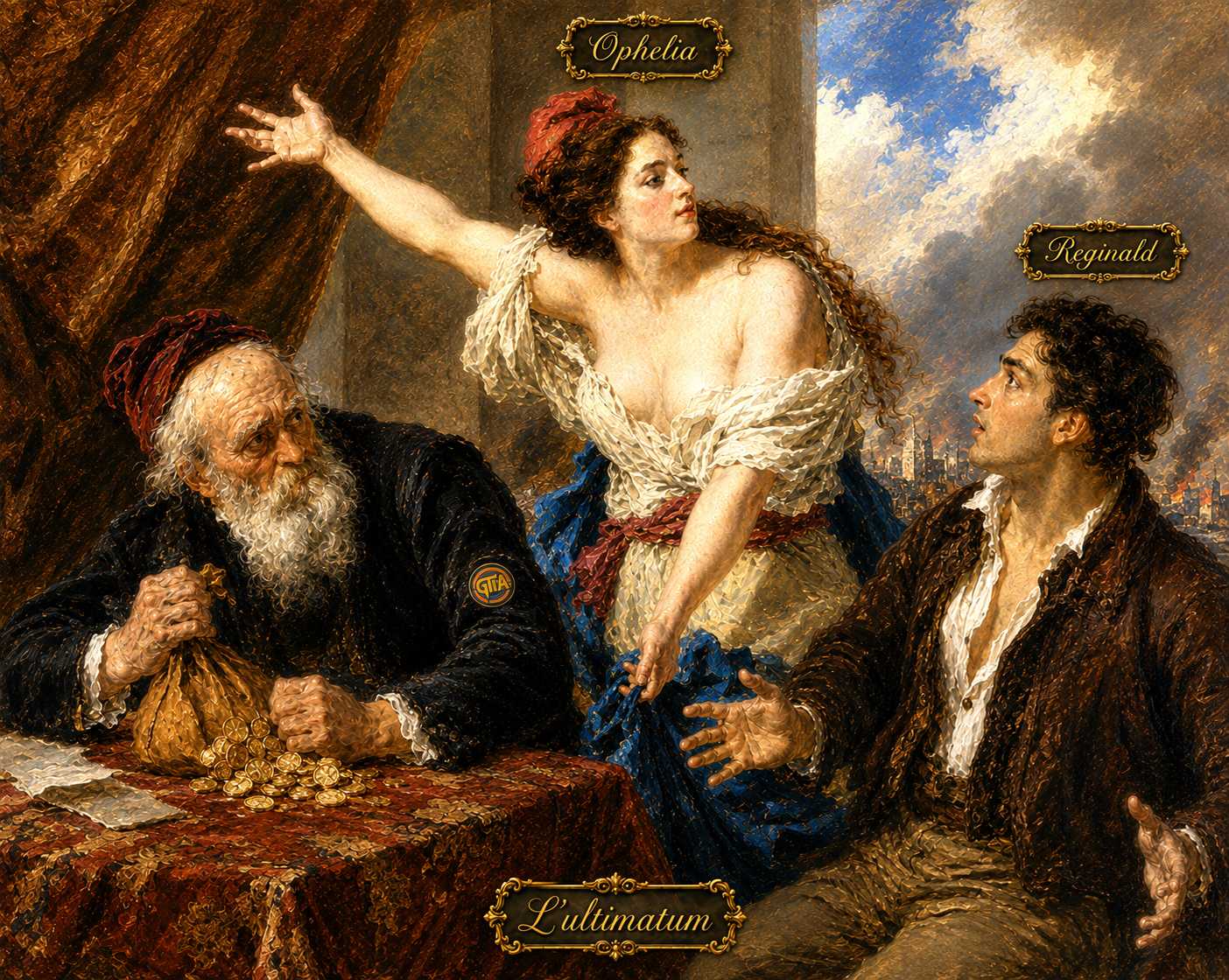
You will be paired against each of your 23 classmates — once as Ophelia (the Proposer) and once as Reginald (the Responder). The pot is $30 per game. Ophelia names a dollar amount to offer Reginald. Reginald accepts or rejects. Accept → Ophelia keeps $30 minus the offer, Reginald receives the offer. Reject → both get $0.
How many dollars will you offer Reginald? You keep $30 minus this amount if Reginald accepts.
The lowest offer you will accept. You automatically accept any offer ≥ this number and reject anything lower.
Teacher Dashboard
Select which accounts can participate in this Ultimatum Game. Changes save automatically.
Reminders & Deadline
Students who haven't submitted yet get an emailed reminder at the trigger time below. The deadline locks the submission form once it passes. Override forces that row's condition immediately, for testing.
| Setting | Datetime | Override | |
|---|---|---|---|
| Reminder email trigger | |||
| Submission deadline |
Roster
Upload a CSV with an Email column to bulk-select who's playing —
every account it lists is selected, and every other known account is deselected (add a test/instructor
account's email to include it, or leave it out to exclude it). Each email must already exist as a GTIA
account (add it in GTIA Admin first if not).
| Play? | Name | Class Year |
|---|
| Name | Offer (as Ophelia) | Reserve (as Reginald) | Status | Actions |
|---|
| # | Name | Offer | Reserve | Earned as Ophelia | Earned as Reginald | Total | Z-score |
|---|
Upload an Excel file (.xlsx) with three columns in any order. Use these exact header names in row 1: email, reserve_price, ivan_offer. Each row overwrites any existing submission for that student.
or drag and drop it here
Every tournament's results (name, offer, reserve price per player) that's ever been published gets saved here permanently, so multiple semesters' data can accumulate for the Graphs tab. Rename or delete a saved tournament below, or add one from a past run that predates this feature.
Add a past tournament
Upload an Excel file (.xlsx) with columns Name, Offer, Reserve Price — one row per player. These don't need to be GTIA accounts; any name is fine.
or drag and drop it here
Groups included
Pick which saved tournament(s) to include in every graph. Changes apply immediately.